How to view email history sent to patients
Last updated: May 4, 2026
You can view a complete history of all emails sent to your patients by accessing the "Notification History" section on each patient's profile.
Accessing Email History
To view the email history for a specific patient:
Navigate to the patient's profile page
Look for the "Notification History" link located beneath the patient profile summary
Click on "Notification History" to view all emails that have been sent to that patient
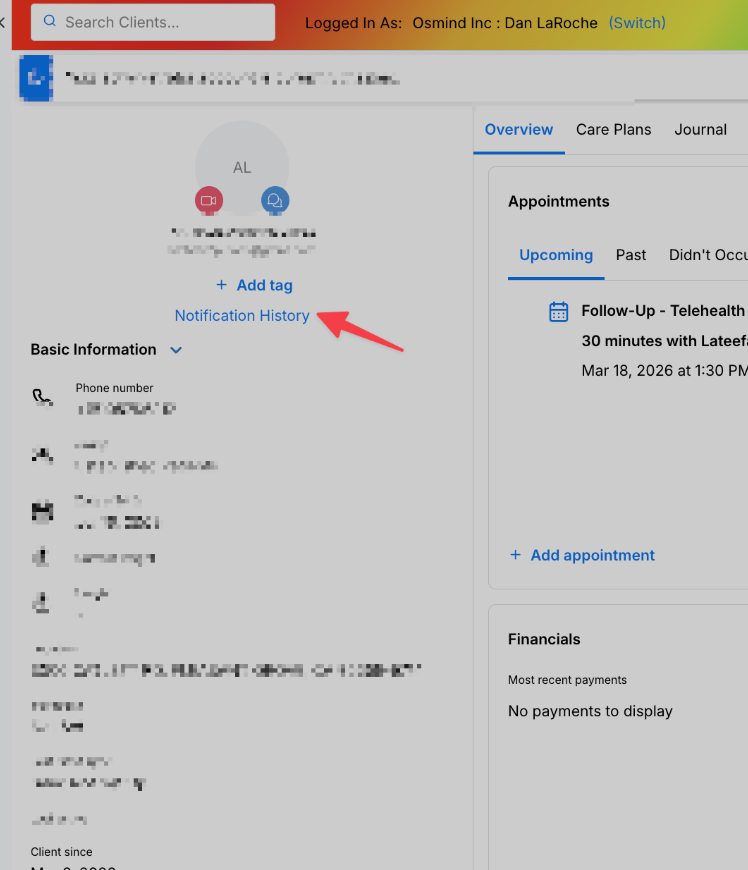
This notification history will display both automated emails and manually sent communications, giving you a complete record of all email interactions with each patient.